
Lots of people ask this question and most of them probably made the matter complicated by editing the DNS Zone from WHM in the DNS Functions. But they actually should just do it in cPanel which is A LOT easier.
Just log in your cPanel which manages the domain that you want to add support for wildcard (*) subdomains. Go to:
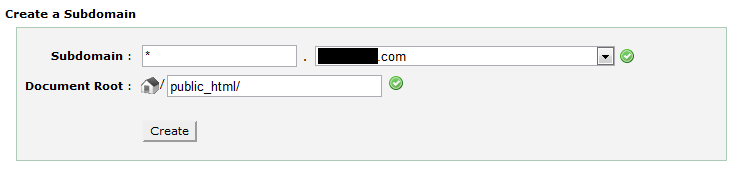
Domains > Subdomains
And enter asterisk * in the Subdomain and choose the domain you need it added to.
Click “Create“.
That’s it. Now you can access your domain from any random subdomain and it will automatically use the A record of the main domain as their own.